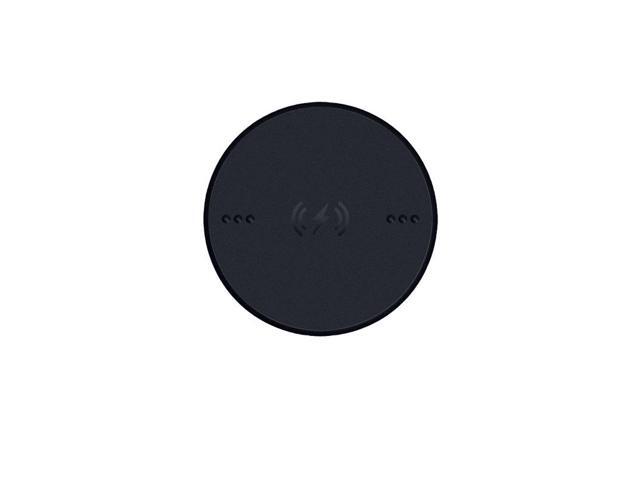
1. Easy Attachment Instant Charging Simply install the Thunderbird Wireless Charging Module on a compatible Thunderbird mouse. Simply install the Thunderbird Wireless Charging Module on your compatible Thunderbird mouse and place the mouse on an Oi-compatible charging dock or charging pad for safe and portable charging. Safe and portable charging. 2. Installation Steps Step 1: Unlock the overlay button on the bottom of your Thunderbird mouse. Step 2: Replace the overlay button with the wireless charging module. Step 3: Lock the wireless charging module into place Step 4: Place the mouse on the charging dock to begin charging. 3.Specification Size: Approx. 33mmx33mmx4.6mm Weight: approx. 5g Compatible Mouse: Compatible with wireless charger, Baselisk V3 Pro, Thunderbird Mouse Dock Pro Thunderbird Wireless Charging Pad other Oi protocol charging devices
AULA wireless mouse charging module, Baselisk V3 special magnetic Qi charging accessory, easy to adsorb Instant chargingblack
Similar products

9 Band Radio With Bluetooth

Dual Compact LED Gaming Speakers

13.3" Portable Digital TV with 12V DC Car Adapter and Rechargeable Battery

Cubitt VIVA Pro Smartwatch / Fitness Tracker with 1.78" Touch AMOLED Screen

Drum Microphone Kit 9Pc All Metal Drummer Mics Tom/Snare & Cymbals Wired Instrument Drums Set
